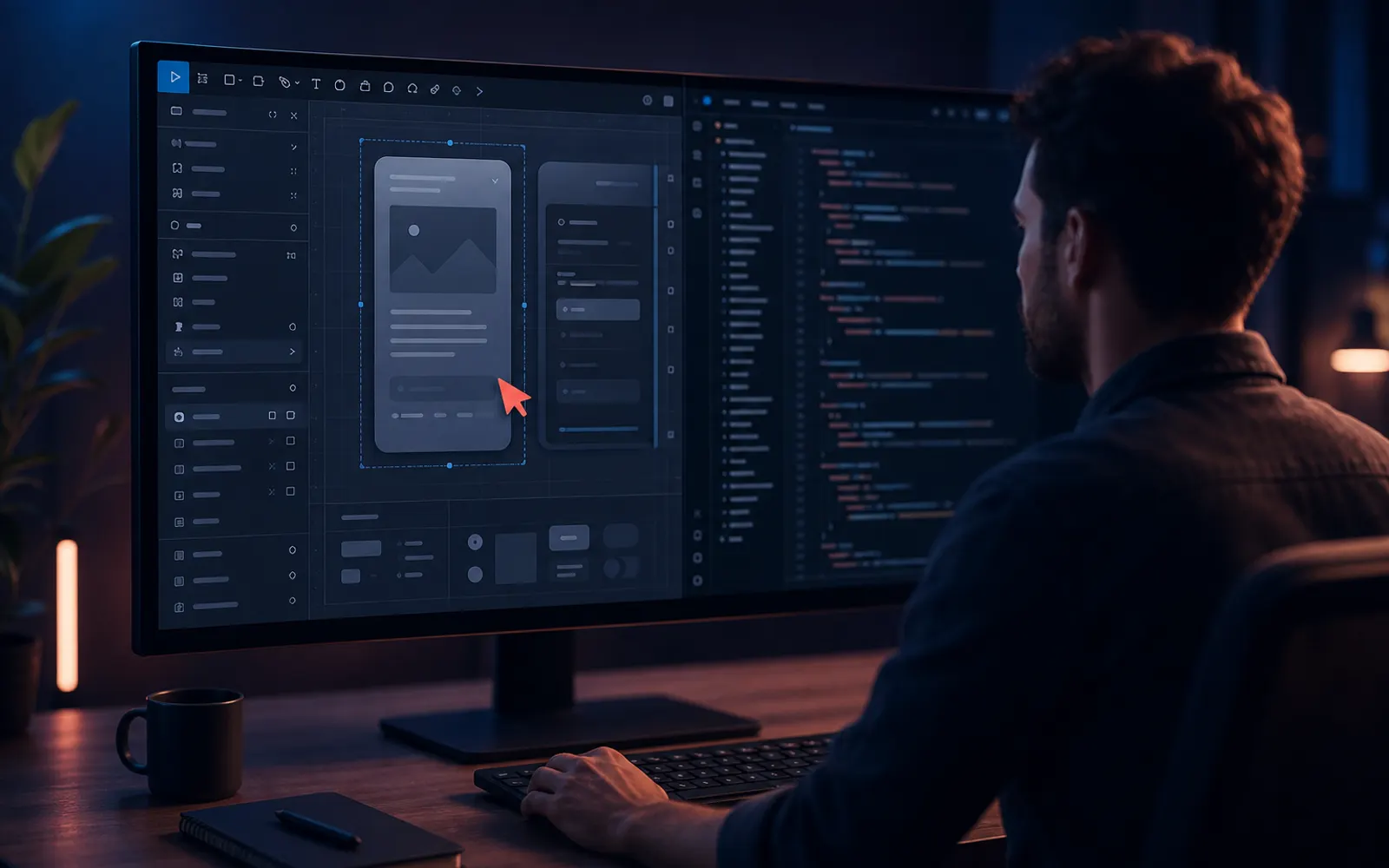
Handoff starts during design — not after final polish
If engineers first see the file when everything is 'done,' you have already lost time. Invite technical feedback early on interaction complexity, edge cases, and component feasibility.
Structure files for humans who did not design them
Clean pages, clear naming, and consistent auto-layout are kindness to your future collaborators — including future you.
- Separate exploration from production-ready frames
- Name layers and components semantically
- Use variants for real states, not duplicate frames
- Keep spacing and sizing on your token system
Annotate behavior, not only visuals
Static screens do not explain hover delays, empty states, validation rules, or responsive breakpoints. Add concise notes for interaction logic and edge cases next to the relevant frames.
- Error and success messaging rules
- Responsive behavior at key breakpoints
- Loading and offline states
- Permissions and empty-data scenarios
Close the loop after release
Schedule a short post-ship review. Compare implemented UI to design intent, capture drift, and update the system. Continuous handoff quality is a team habit.
Key takeaways
- Involve engineering early.
- Ship structured files with real states and tokens.
- Annotate behavior and review after release.
Need help applying this?
Let's turn these ideas into a clear UI/UX plan for your product.
Book a Consultation